Settings
The Settings page allows administrators to configure various aspects of the system. It is organized into three tabs:
General
https://rbs.ces.myfiinet.com/rbs-admin/customer-management
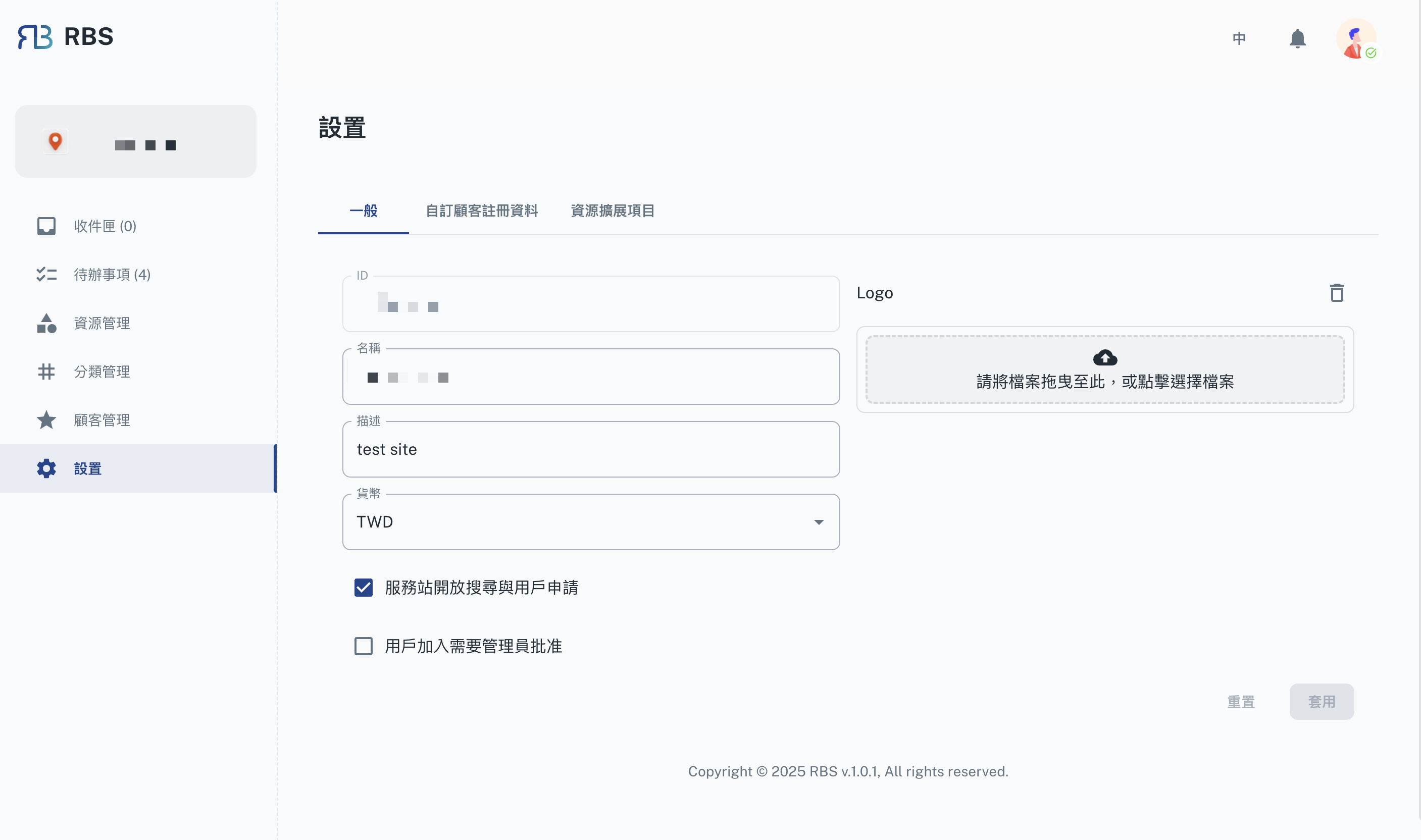
This tab allows you to configure the basic details of the system, including:
- ID: A unique identifier for the system.
- Name: The name of the site or organization.
- Description: A brief description of the site.
- Currency: The default currency used for transactions.
- Public Search: Enable or disable the public search of the site.
- Join Application: Enable or disable the user application process.
- Logo: The logo displayed on the site.
Customize Customer Registration Information
https://rbs.ces.myfiinet.com/rbs-admin/customer-management
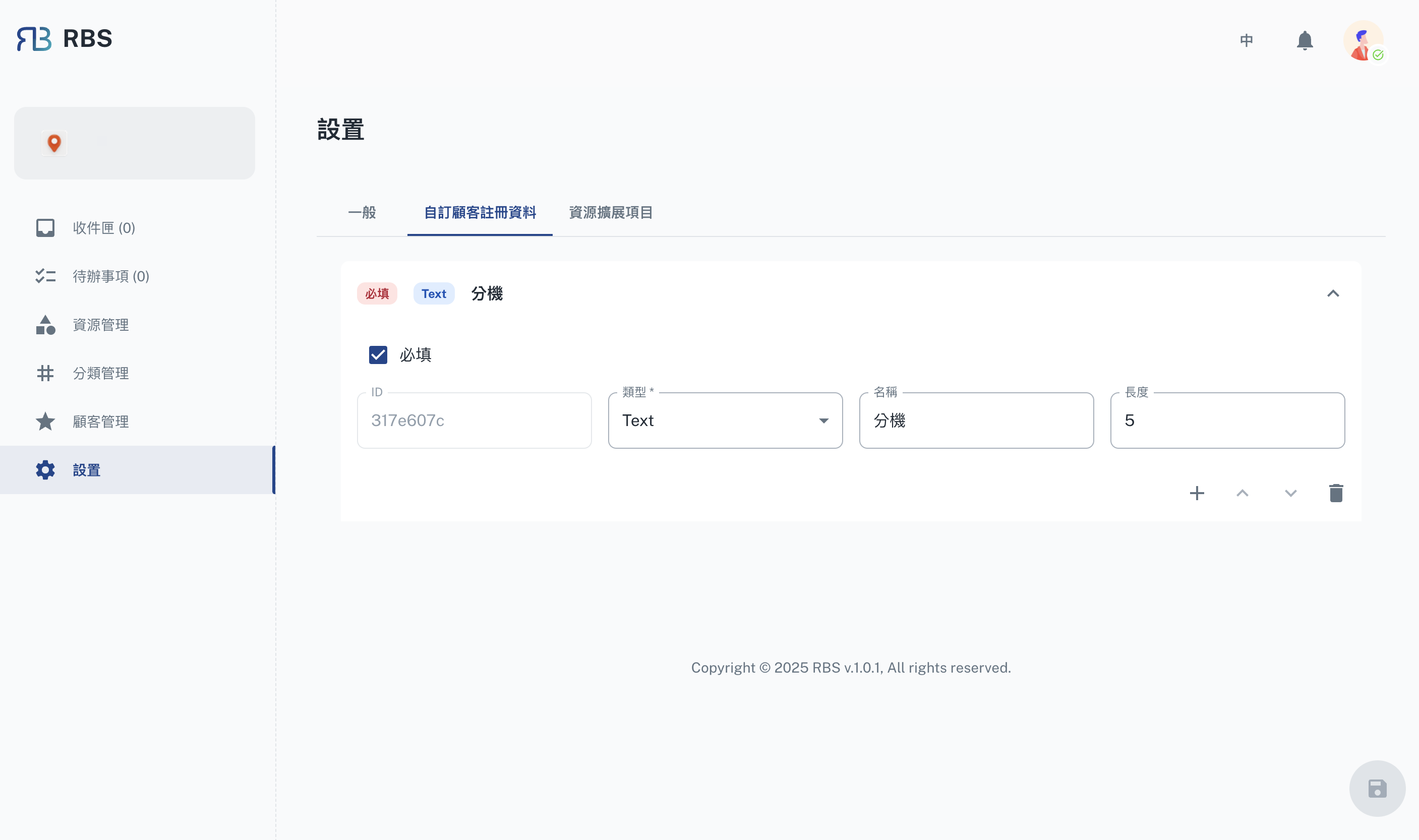
This tab enables you to manage the customer registration process. You can:
- Add custom fields to the registration form to collect additional information.
Resource Extensions
https://rbs.ces.myfiinet.com/rbs-admin/customer-management
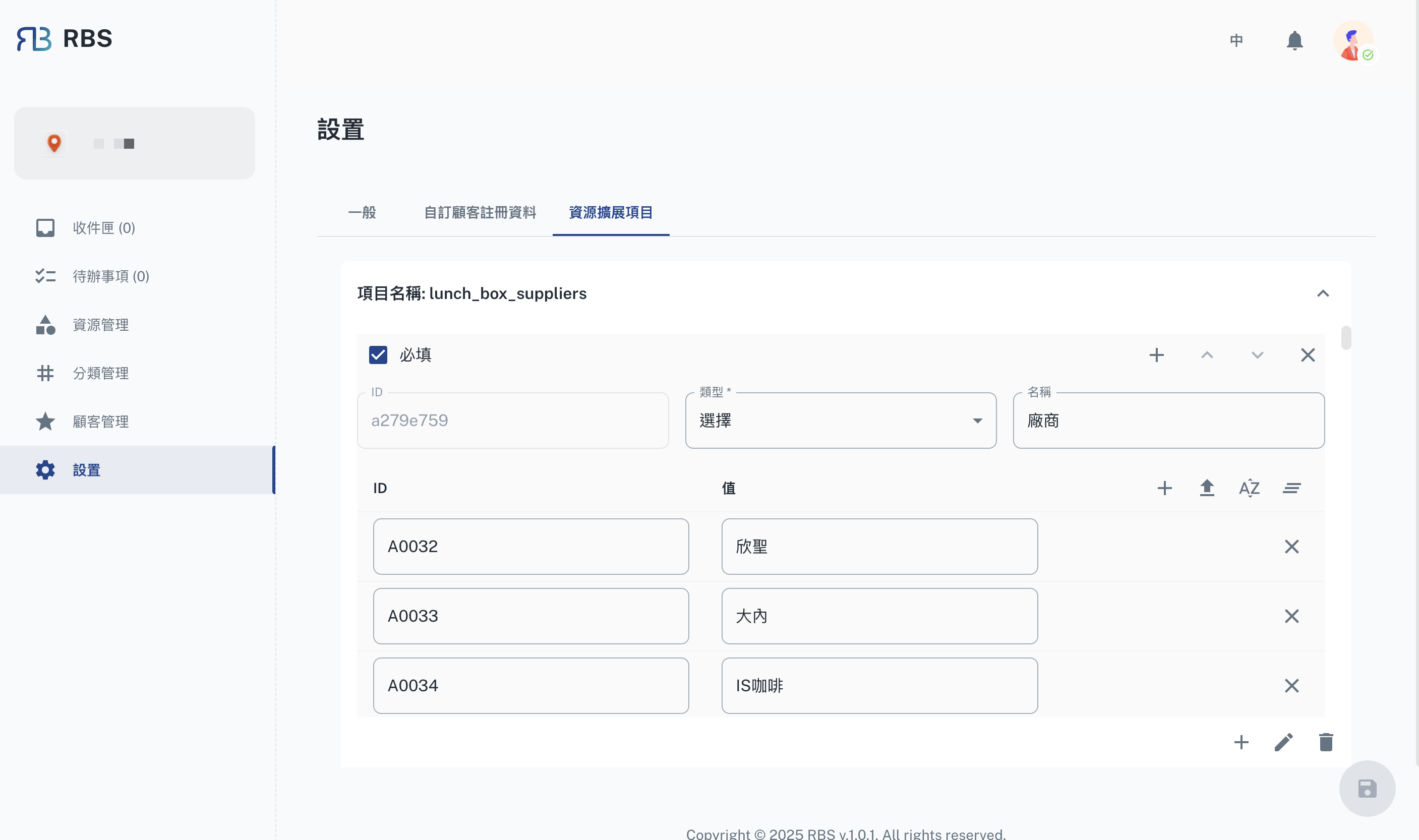
This tab provides tools to manage and extend system resources. Key features include:
- Configure additional resource settings to meet specific organizational needs.
Actions
The following actions are available across all tabs:
- Apply: Save the current settings.
Note: Ensure to review all changes before applying them to avoid misconfigurations.