What is RBS?
RBS (Resource Booking System) is where your company books shared resources - meeting rooms, equipment, venues, tools, anything people have to take turns with gets booked here.
Getting a meeting room used to mean asking around, posting in a group chat, or hunting through a shared spreadsheet. RBS turns that into: open the site → find the resource → pick a time that still has room → send it. For resources that need a manager's or an administrator's approval, the system routes the request to whoever has to sign it, and you wait for the notification.
RBS has two roles, and which side you use depends on what you do in the organisation:
- Booker (employee) - you are here to book things. Once you join a site you can book the resources on it; what you have booked, and the voucher for each booking, are in your own dashboard. Most people are in this group.
- Administrator - you create or run a site. You put bookable resources on it for bookers to book, and you handle every booking that comes in.
The two roles have different URLs and separate accounts; "Before you start" below has the entry point for each.
This manual walks the whole thing, from registering for the first time to checking what you have booked.
What RBS does for you
Every image below is a real screen from the system - the ⤢ at the top right enlarges it, and the blue link goes to the full reference for that feature. Read your own group and skip the other.
If you are a booker (employee)
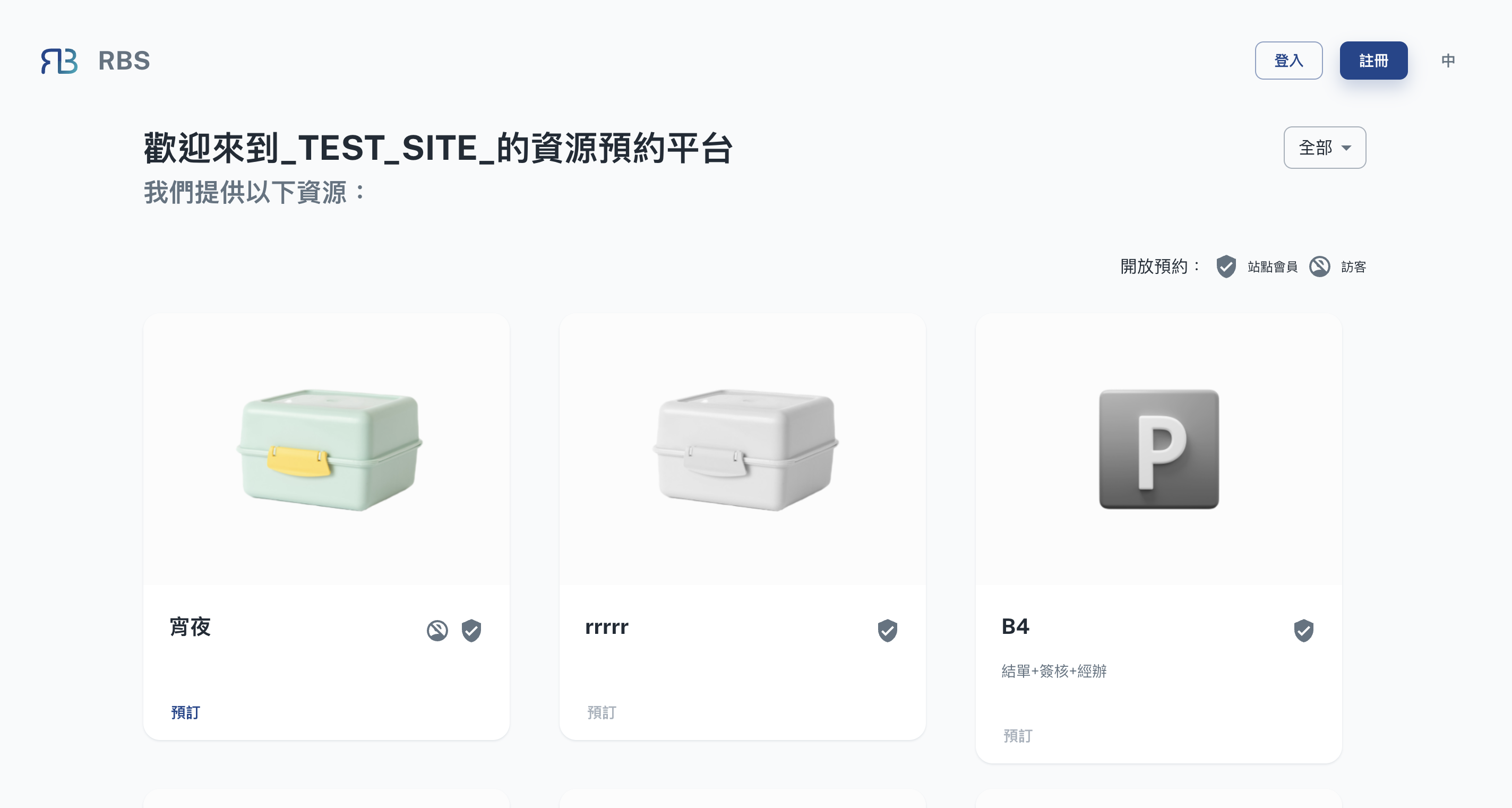
Search and it is there
Search a site by keyword; once inside you see which resources it holds and which of them are open to visitors.
Sites →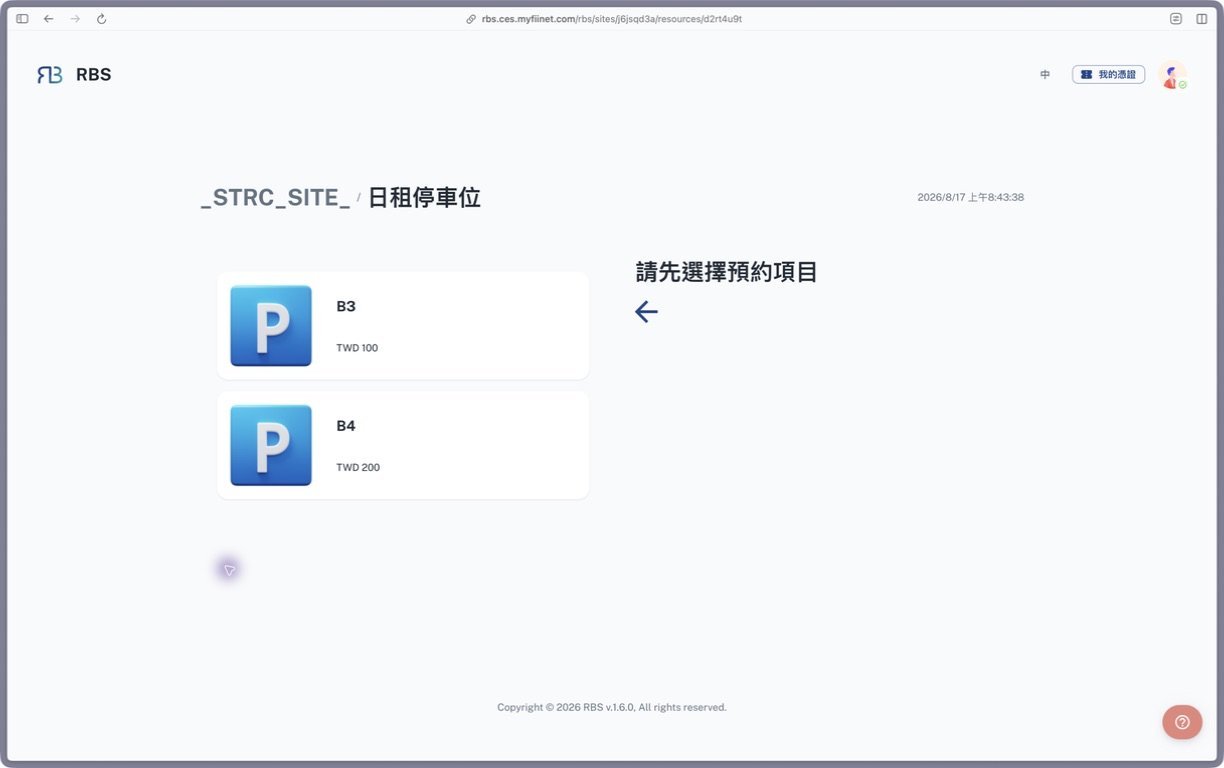
You can see what is left
Picking a date shows how much stock is left. What is taken cannot be selected, so you never have to ask anyone.
Start booking →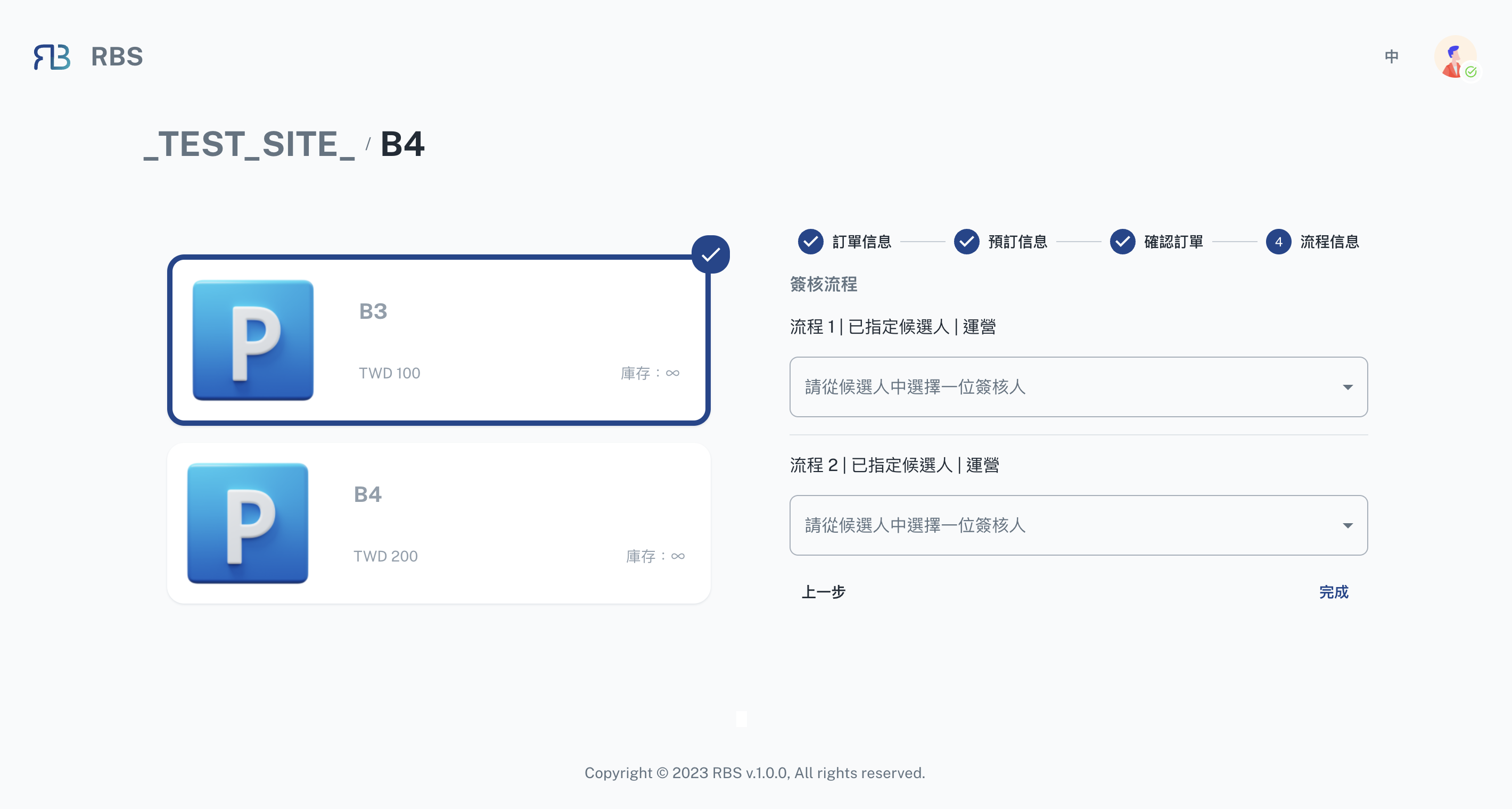
Send it and the system takes over
For a resource that needs approval, choose the approvers before you send and the flow runs on its own. The stage it has reached shows in your own booking record.
Start booking →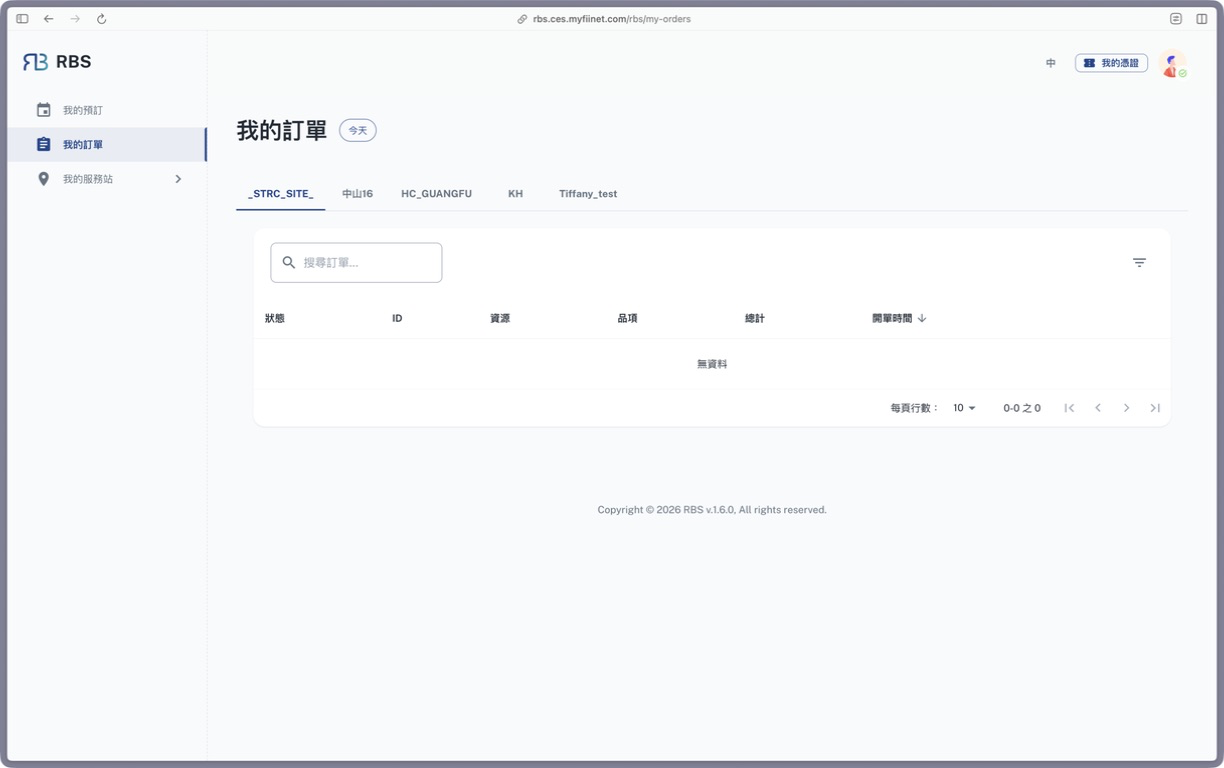
Everything you booked is kept
Every booking stays - waiting for approval, confirmed, and finished alike. To check what you booked last month you do not have to dig through email.
My orders →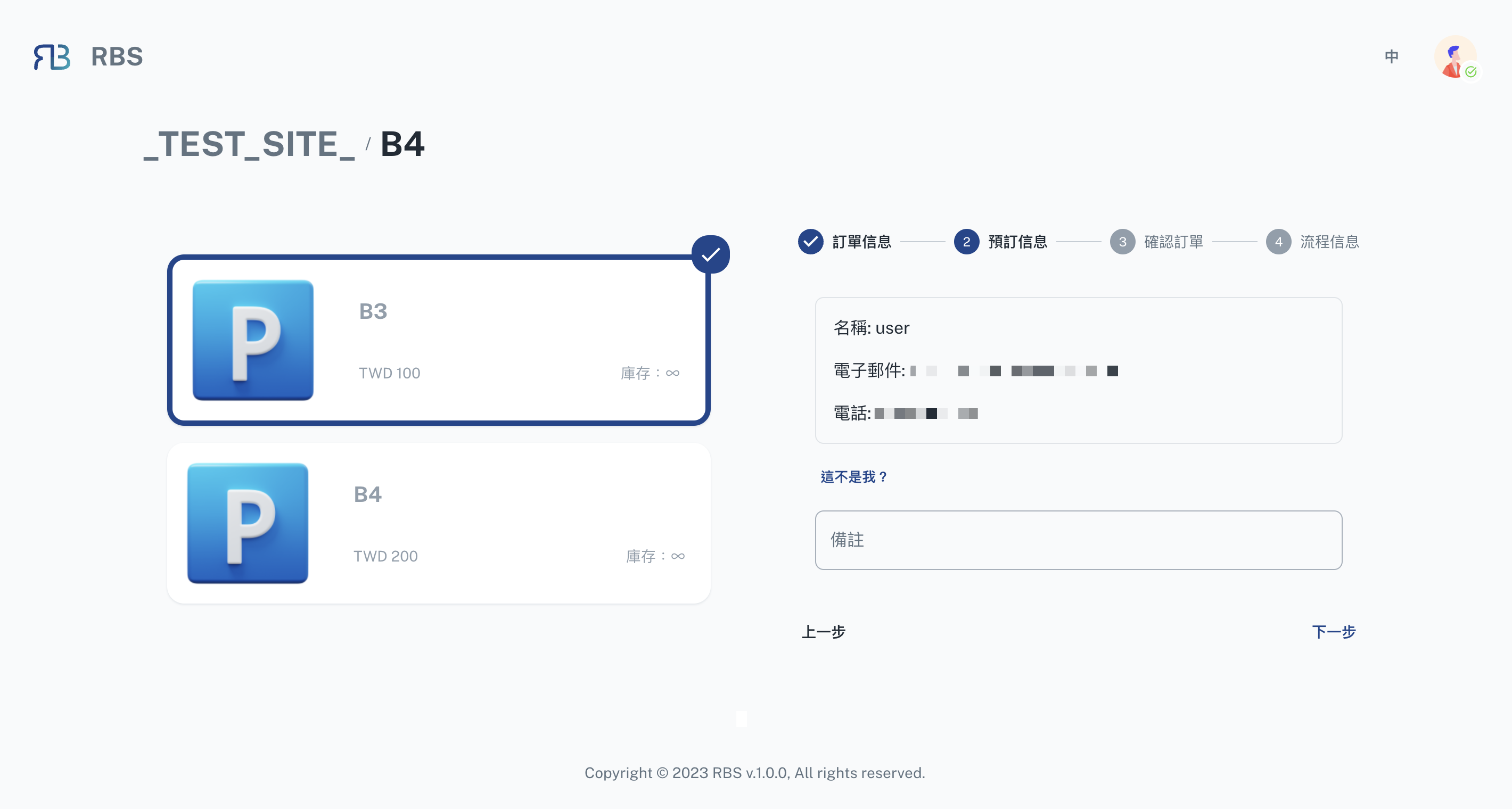
You can book for someone else
Your details are filled in automatically; press "Not you?" and you can book on someone else's behalf instead of asking them to do it again.
Start booking →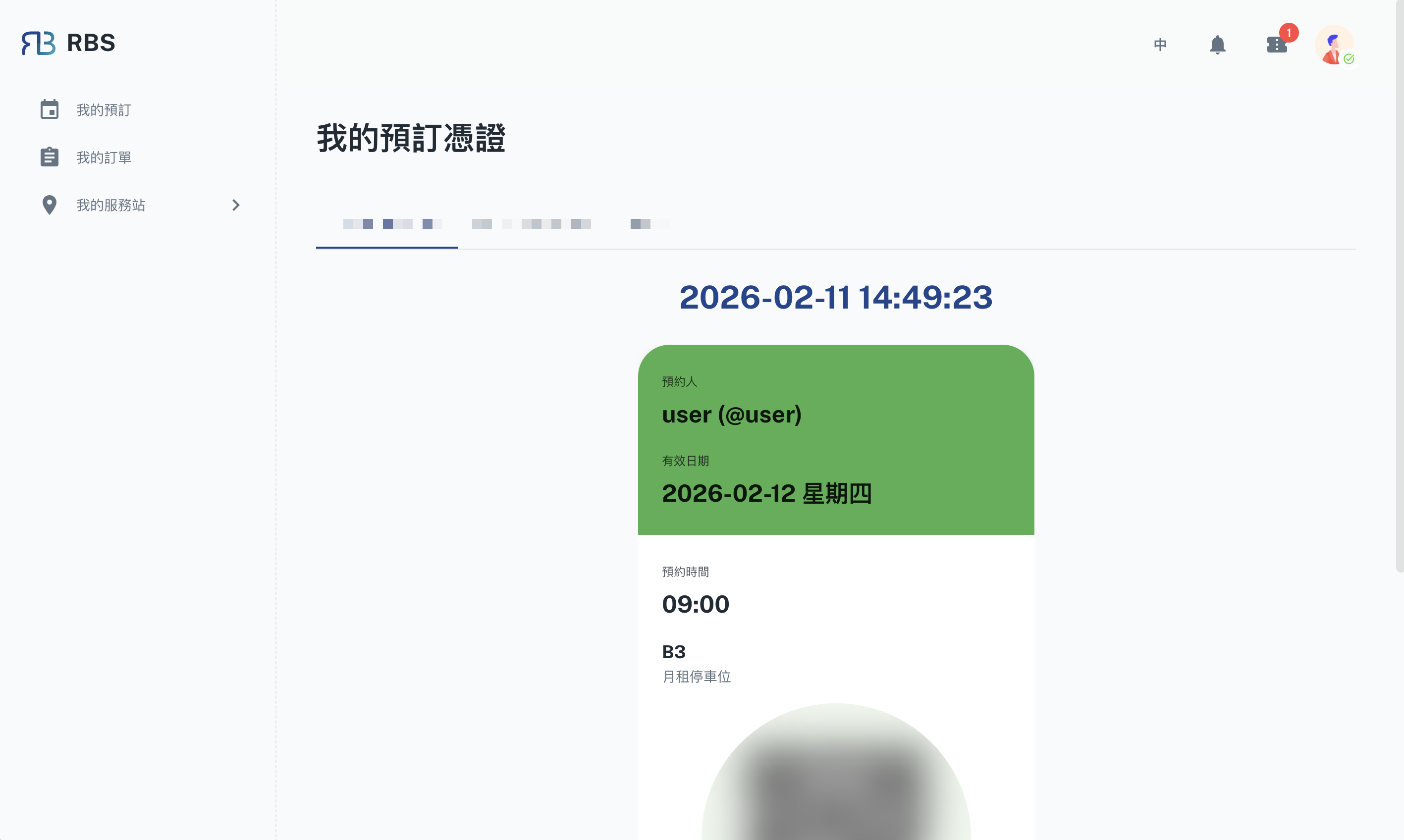
Carry the voucher with you
Upcoming bookings become voucher cards with live status - show one when it needs checking on site.
My vouchers →If you are an administrator
Open a site and put resources on it
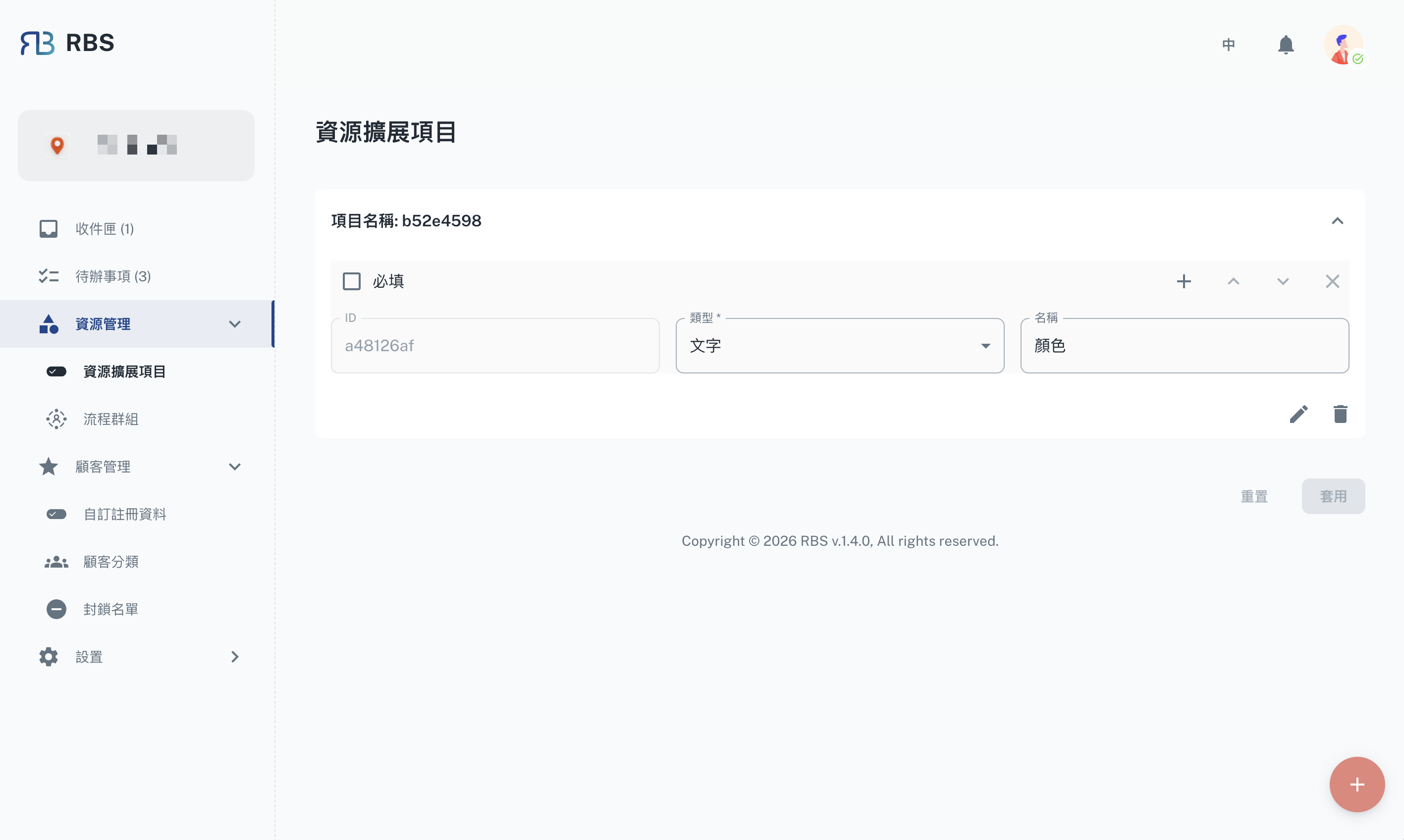
Once the site exists, add bookable resources to it and set the name, quantity and price - only then can bookers see and book them.
Shop extension →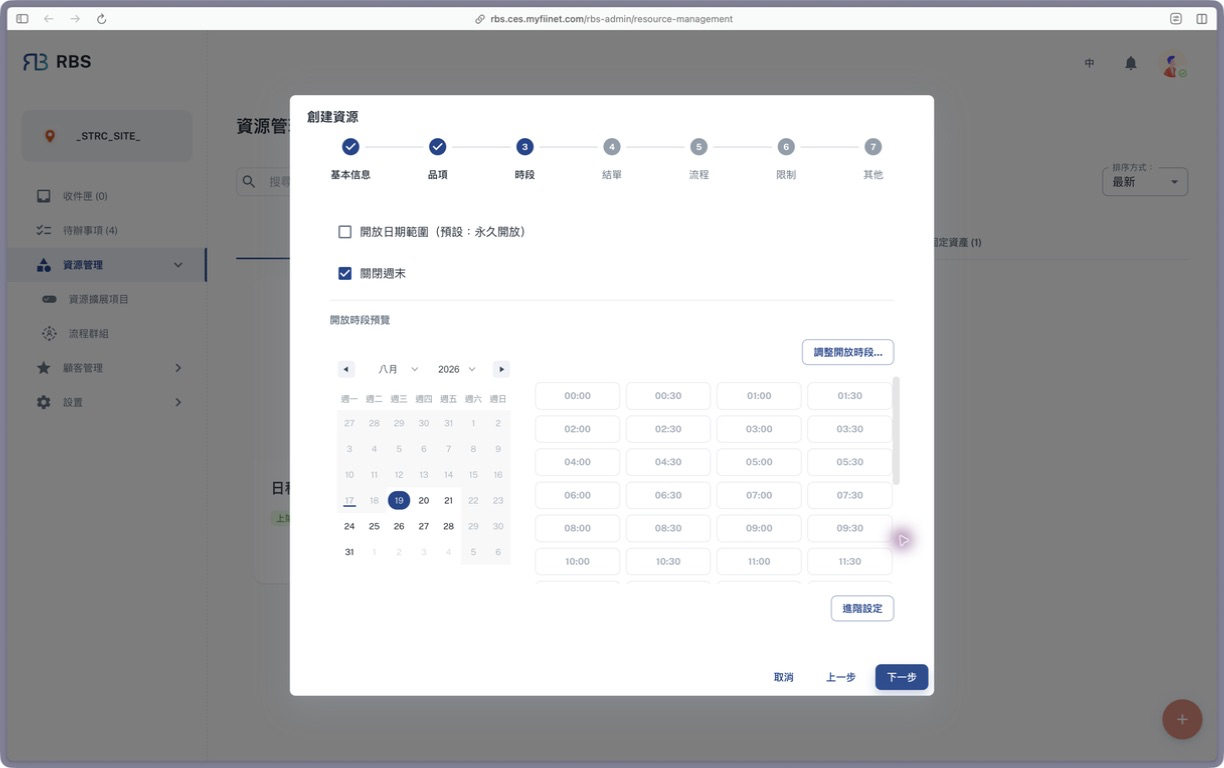
You decide when and for how long
Each resource gets its own open hours, per-booking limit and bookable range. Set the rules once and you are not blocking requests one by one later.
Overview →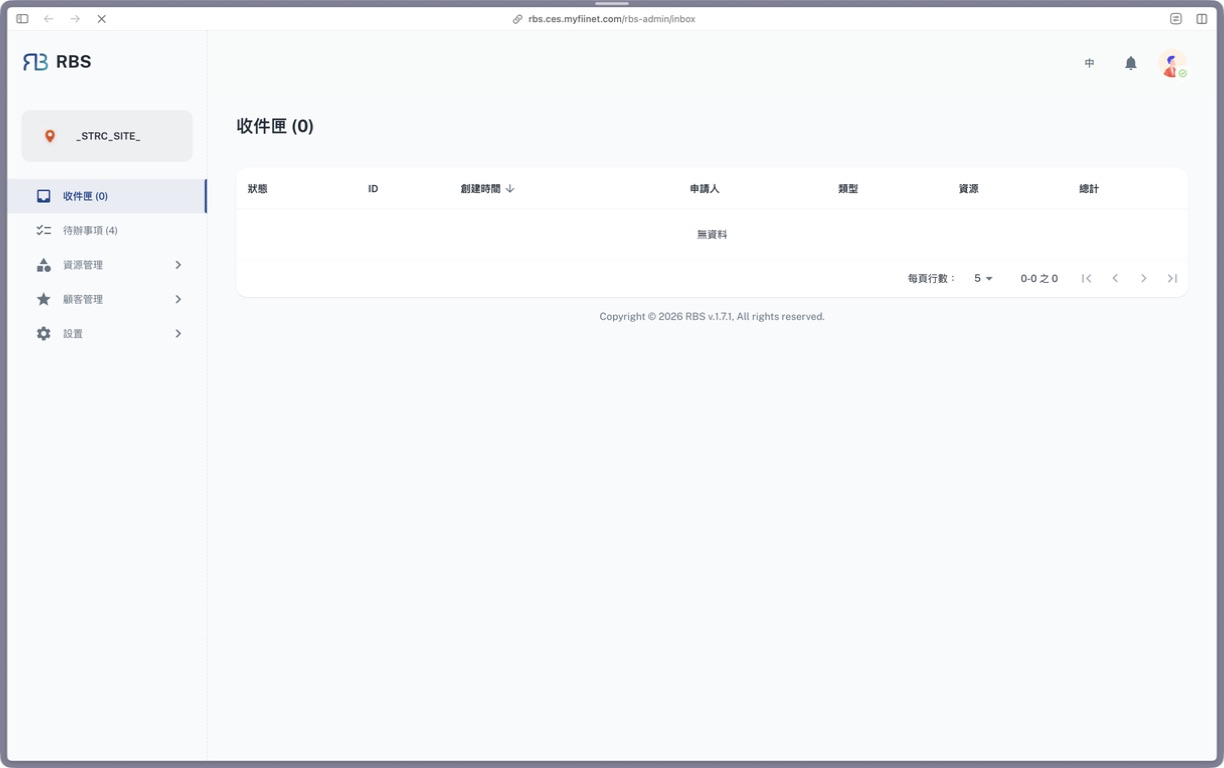
Review what comes in, here
Bookings that need approval collect in one review list; read the detail, then approve or send it back - no hunting through email.
Inbox →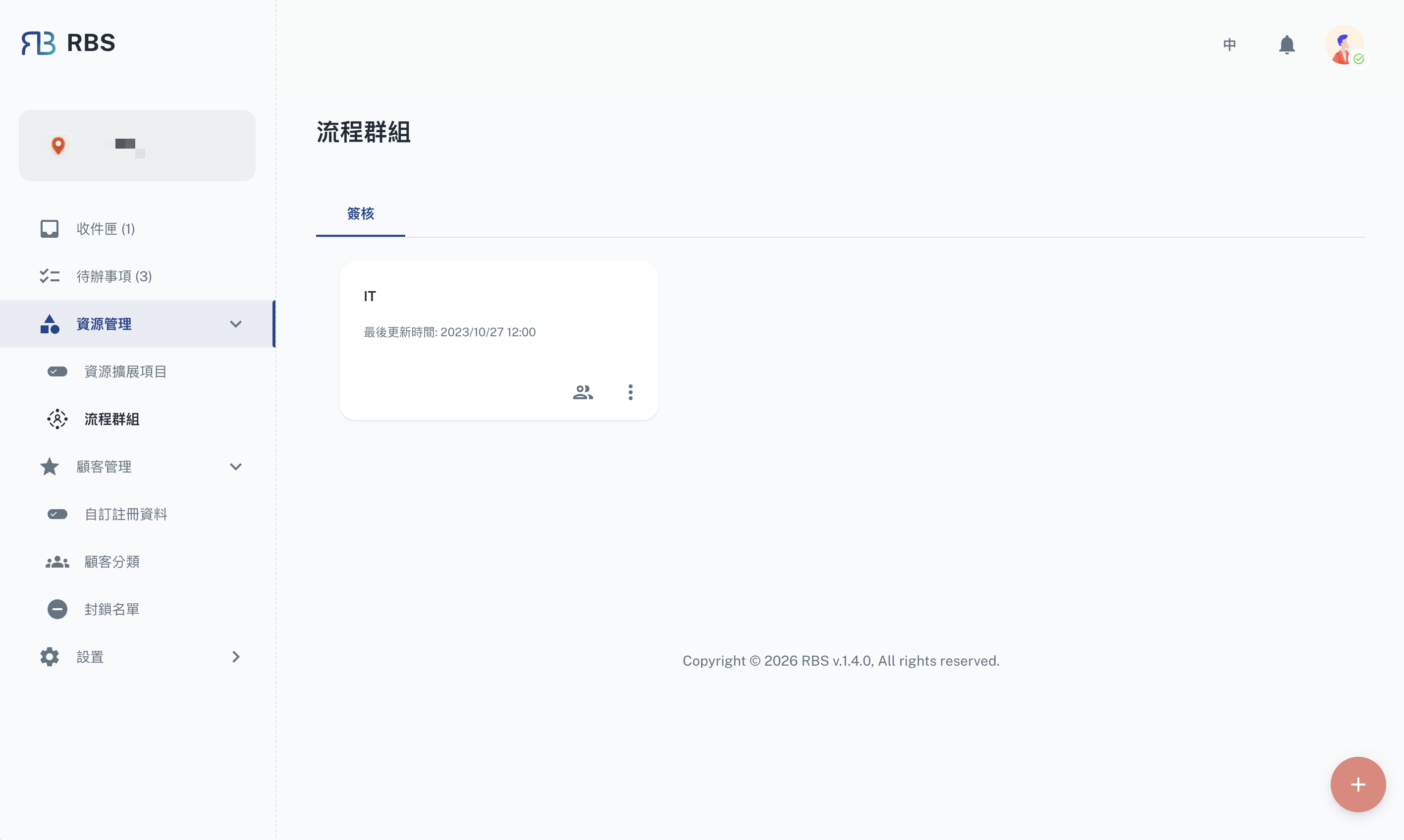
Arrange the stages yourself
Put the people who sign into an approval group and set the order and the number of stages. Every booking then follows that flow on its own.
Process groups →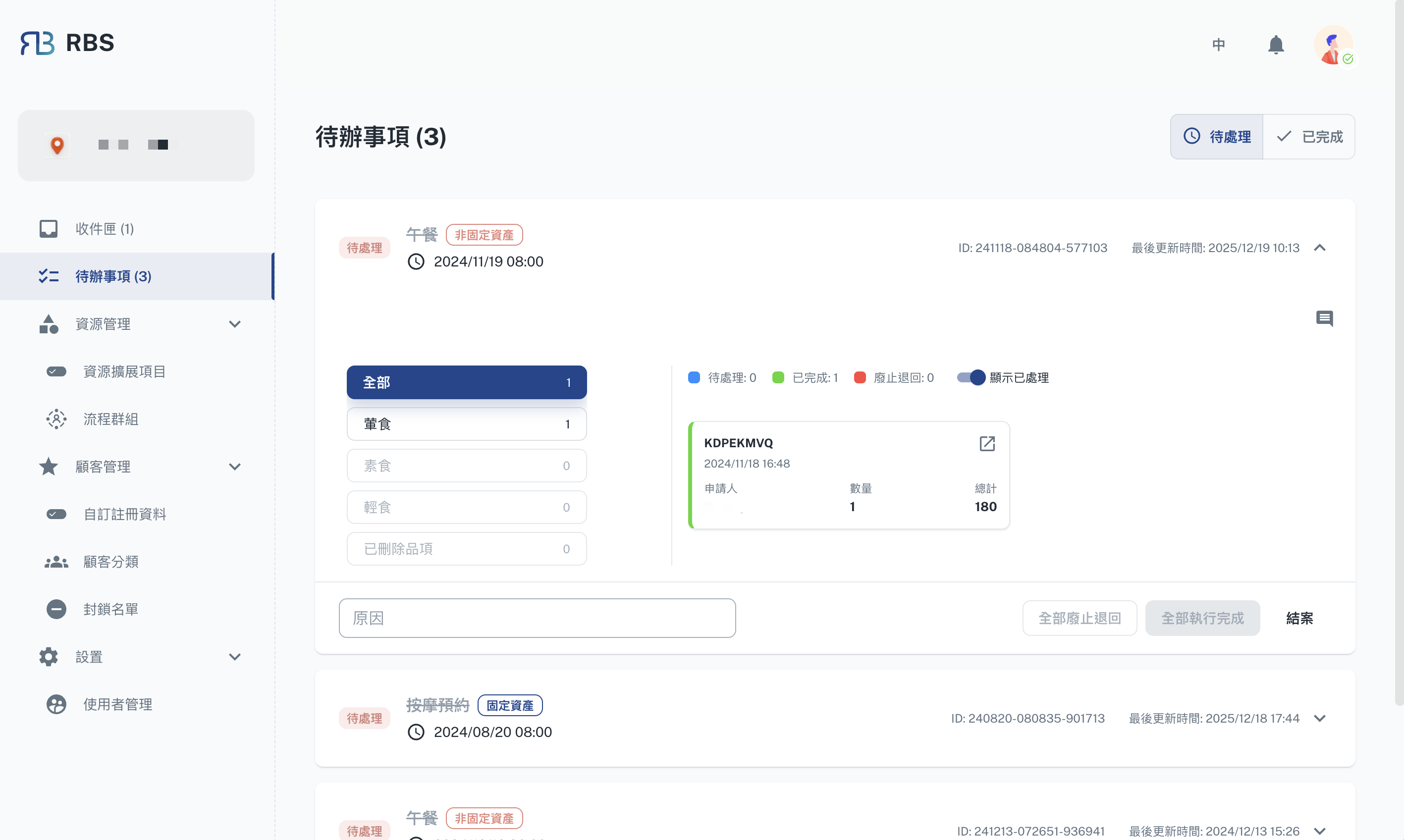
Remember to settle it
Bookings that have ended but are not closed off stay in the settlement list. Only once settled is one really finished, and only then do the numbers add up.
To-do →A few words to know first
These come up throughout the manual, and they are the field names on the screen too. One read now makes the rest go easier.
Where things live - three layers, largest first:
| Term | Meaning |
|---|---|
| Site | The outermost layer, usually one unit, one plant or one venue. You have to join a site before you can book anything under it. |
| Resource | Something bookable under a site - a particular meeting room, a particular machine, a particular meal. |
| Item | A variant under one resource. If the resource is "Dinner", the items are set A and set B; stock and price belong at this layer. |
What you send:
| Term | Meaning |
|---|---|
| Booking | One request you send: which resource, which item, what time, who it is for, how many. |
| Approval flow | Some resources need a person to agree before they are confirmed. Once sent, the booking goes to each signer in turn, and it is confirmed only when all of them have passed it. |
| Voucher | The card produced once a booking is confirmed, carrying live status. Show it when something needs checking on site. |
| Settlement | The closing-off after a booking ends, handled by the administrator. Only once settled is the booking really finished. |
Who uses it:
| Term | Meaning |
|---|---|
| Booker (employee) | The person booking things. Joins a site, books resources, checks the record and the vouchers in their own dashboard. |
| Administrator | The person who creates or runs a site. Puts resources on it, reviews the bookings that come in, and settles the ones that have ended. |
Before you start
- Booker (employee)
- Administrator
Entry points
| URL | |
|---|---|
| 🏢 Intranet | https://rbs.ces.myfiinet.com/rbs |
| 🌐 Internet | https://rbs-ces.fii-foxconn.com/rbs |
Use the intranet entry point on the company network, and the internet one from outside. Both reach the same system - the same account and the same data.
- Create an account on the registration page (intranet / internet)
- Check your email for the confirmation and follow the link to verify
- Go back to RBS, search for the site you want and join it
A company account can go straight in with CloudFox SSO, so there is no second password to remember.
Entry points
| URL | |
|---|---|
| 🏢 Intranet | https://rbs.ces.myfiinet.com/rbs-admin |
| 🌐 Internet | https://rbs-ces.fii-foxconn.com/rbs-admin |
Use the intranet entry point on the company network, and the internet one from outside. Both reach the same system - the same account and the same data.
Next
First time here? Start with the Quick Start - two role-based tracks of three complete flows each, walked through on the real screens.
Looking for one particular feature? Pick it from the menu on the left: the Booker (employee) portal or the Administrator console.