Customize registration information
https://rbs.ces.myfiinet.com/rbs-admin/customer-management/config
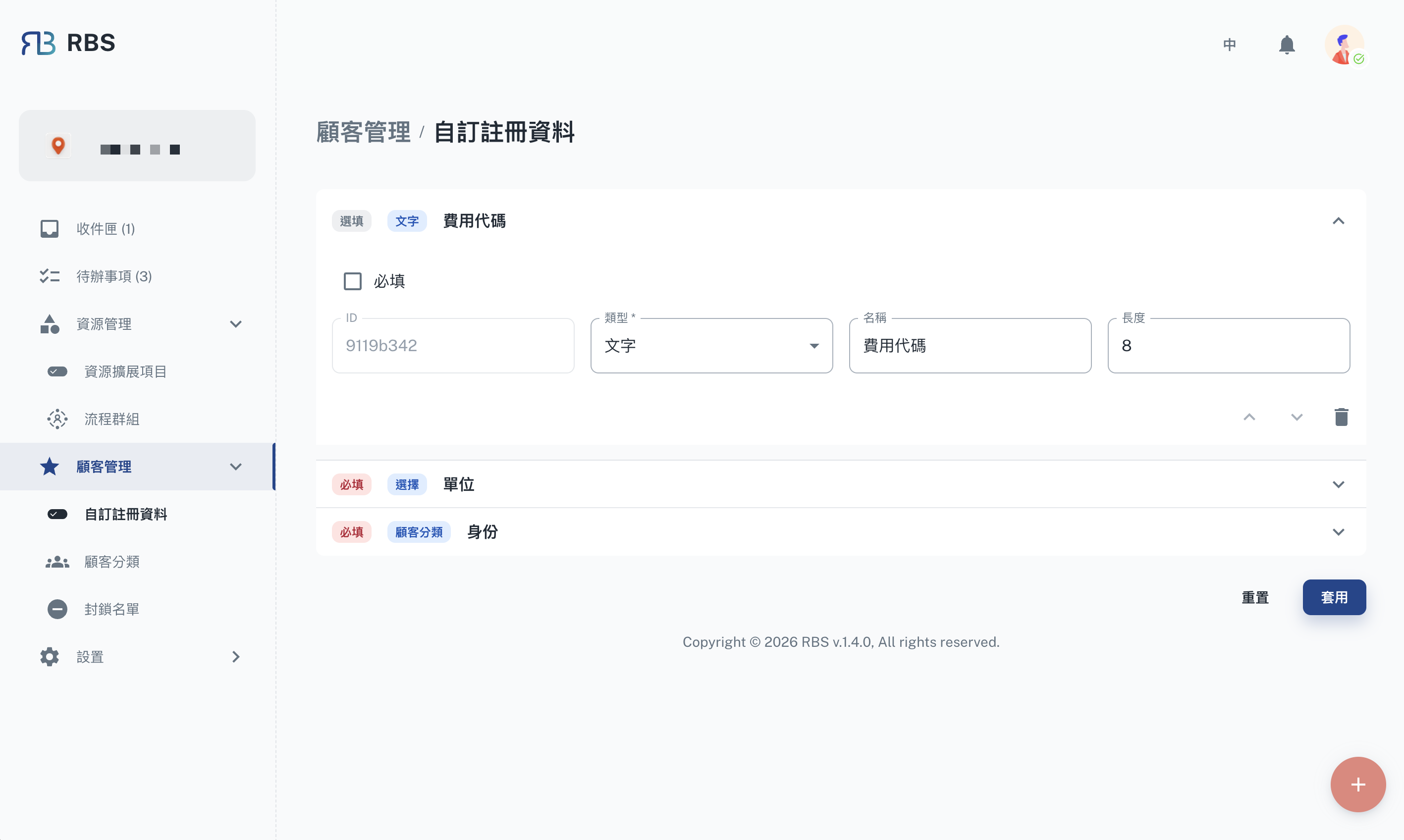
Overview
The Customize registration information page allows administrators to customize the customer registration form by defining custom fields. These fields are collected from customers during the registration or booking process, enabling the organization to gather specific information tailored to its needs.
Key Features
- Custom Fields: Define additional fields for customer registration, such as department, employee ID, dietary preferences, or any other organization-specific data.
- Field Configuration: Configure each field's properties including:
- Field name and label
- Field type (text, select, etc.)
- Whether the field is required
- Default values
- Live Preview: Preview how the configured fields will appear in the customer registration form.
How to Use
- Navigate to Customer Management → Customize registration information in the sidebar.
- Review the current registration field configuration.
- Add, modify, or remove custom fields as needed.
- Click Apply to save your changes.
Note: Changes to custom registration fields will affect all future customer registrations. Existing customer data will not be modified.