Administrator track
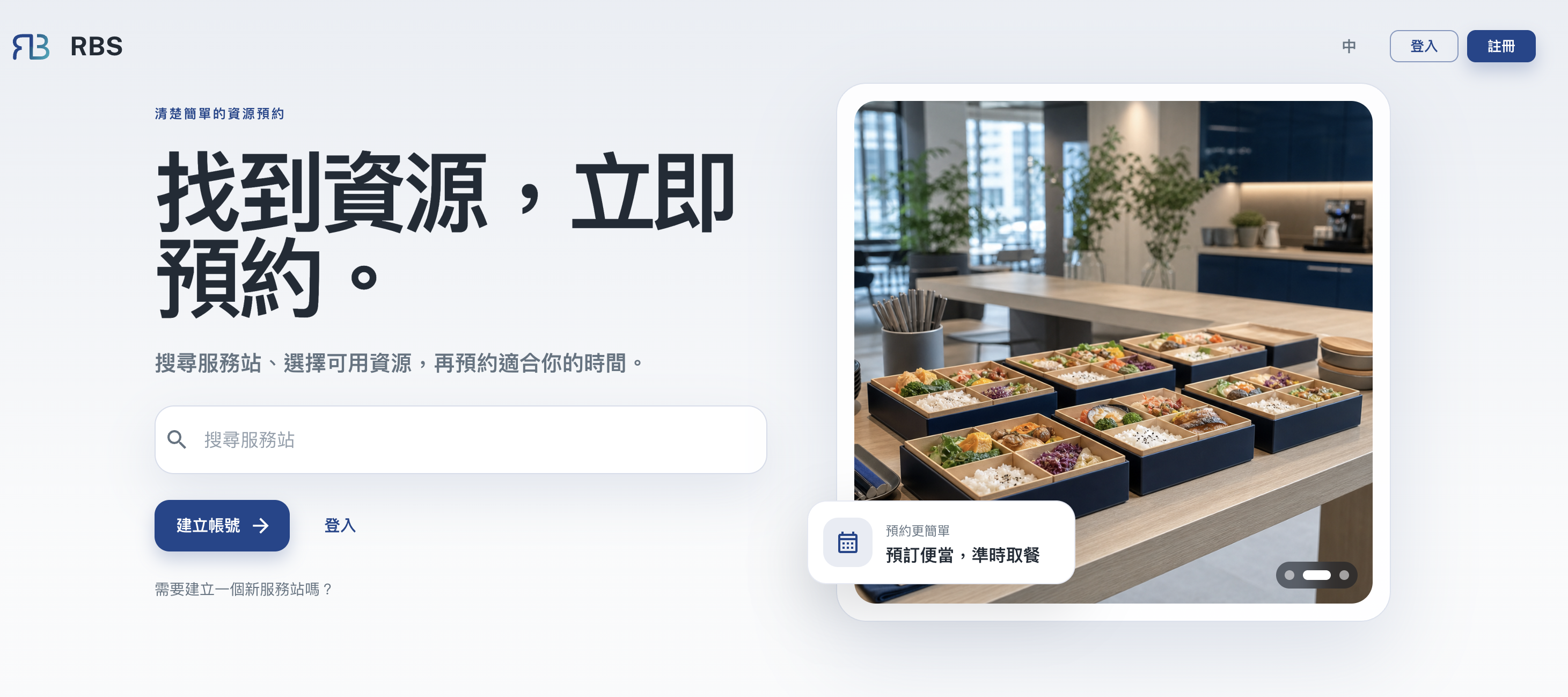
Three flows (sign up and log in, create a quantity resource, create a time-slot resource), all of them real screens from the admin console. Move the pointer onto a shot and arrows appear on either side to page through it; the left and right arrow keys and the dots underneath do the same. Press "Full size" at the top right when you need to read the detail.
Resources come in two kinds and their setup tabs differ, so start by working out which one you are creating:
- Quantity - stock that goes down as it is booked: meals, consumables
- Time slot - booked by time and available again once returned: meeting rooms, equipment
Administrator
1 / 3Open an administrator account
Opening a site starts from the public landing page, the same door bookers
use; the admin console address (/rbs-admin) only comes once the site exists.
The two sets of accounts are separate.
https://rbs.ces.myfiinet.com/rbs1 / 5
Next
- The full resource reference: Resource management
- Arranging the approval stages: Process groups
- Reviewing and settling in detail: Inbox, To-do
- Need to book things yourself? See the Booker track