Process Group
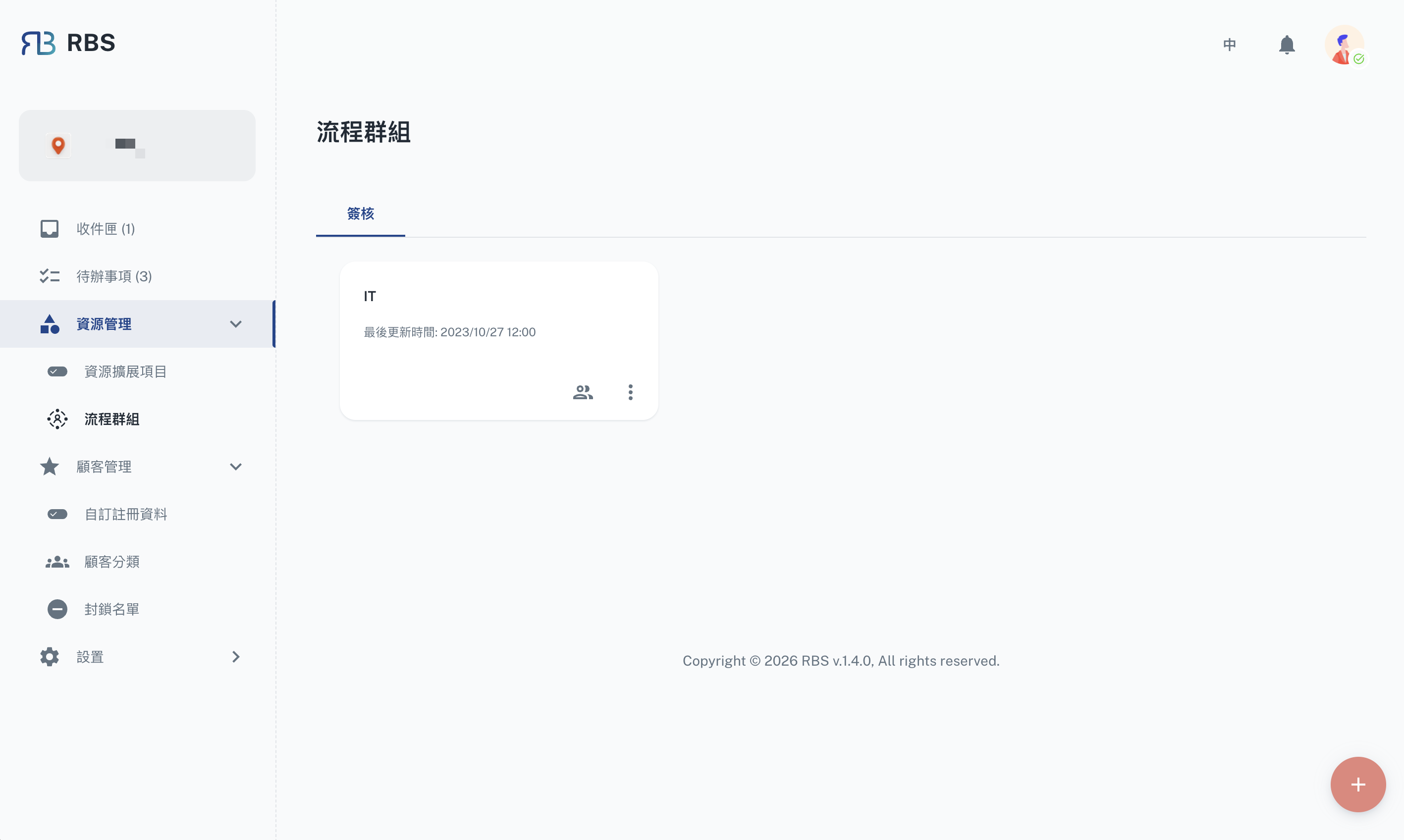
Overview
The Process Group page is a central hub for managing groups that play a key role in the resource approval workflow. These groups define which site users are responsible for reviewing and approving resource booking requests. Process groups can be assigned to specific resources as approver groups, enabling a structured and collaborative approach to managing bookings.
Approval Groups
Approval groups organize site users who are designated as approvers for resource bookings. Administrators can create, edit, and delete approval groups, as well as manage the members within each group.
Key Features
- ➕ Create Groups: Create new approval groups by specifying a group name and description.
- 🖊️ Edit Groups: Update group details such as name and description.
- ❌ Delete Groups: Remove groups that are no longer needed.
- 👥 Manage Members: View, add, or remove site users from a group.
- Click Manage Members on a group card to view the current member list.
- Click Add Member to search and add site users to the group.
- Remove individual members using the delete action on each row.
How Groups Are Used
Groups created here can be assigned as Approver Groups in a resource's Process → Approvals section. When a user submits a booking request for a resource that requires approval, the designated approver group members will receive the request in their Inbox for review.
How to Use
- Navigate to Resource Management → Process Group in the sidebar.
- Click the + floating action button to create a new group.
- Fill in the group name and description, then confirm.
- Use the Manage Members button on a group card to add or remove members.
- Use the Edit button on a group card to update group details.