Items
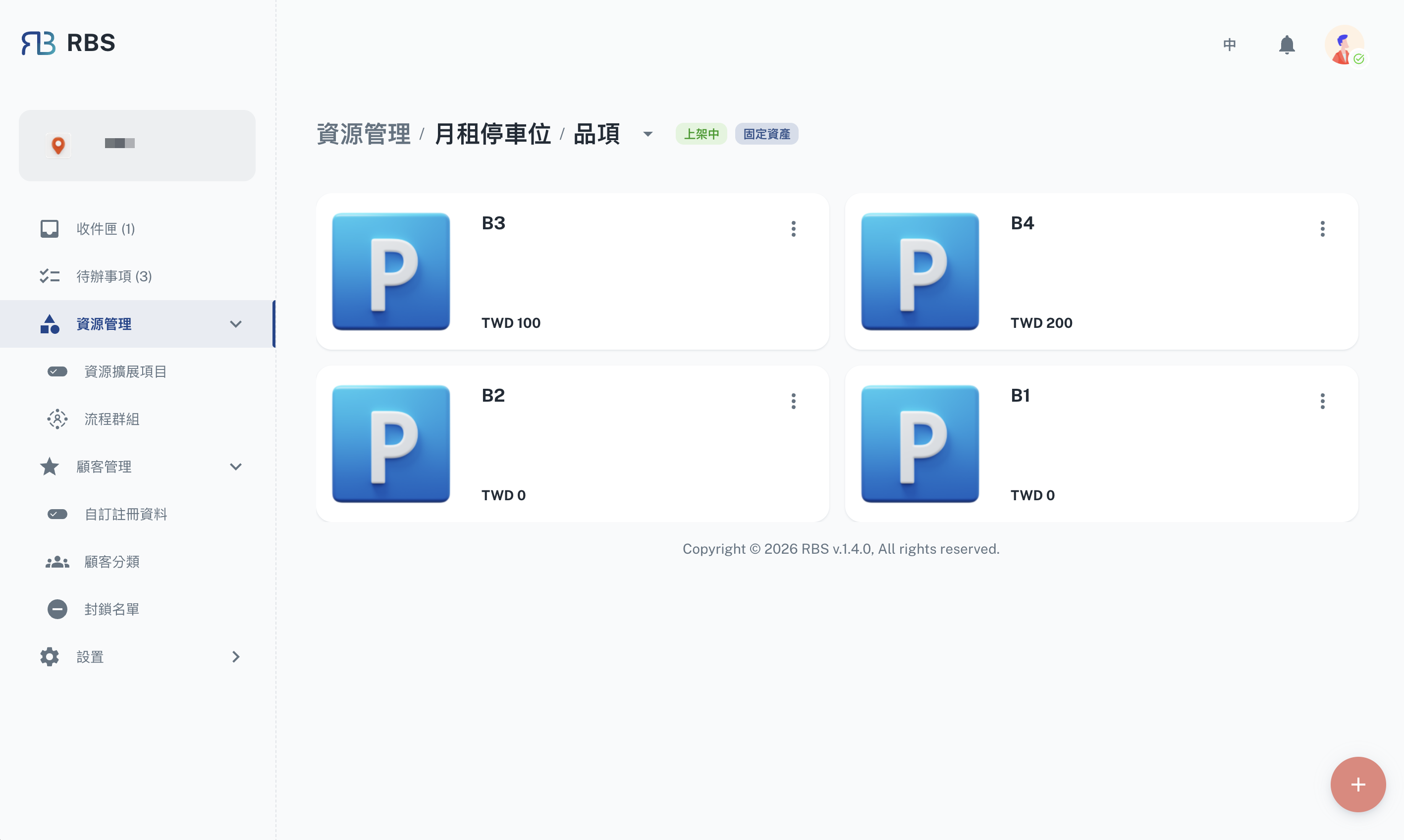
The Items section in the RBS Admin Portal's Resource Management area lets you manage the individual items that make up your resources. This gives you a lot of control over your resource components, helping you keep track of assets and maintain them properly.
To see the items for a specific resource, just click on its row in the Resource Management table.
Managing Items (CRUD Operations)
This section explains how you can manage items using standard operations: Create, Read, Update, and Delete (CRUD).
Create (➕): Adding New Items
Use this to add new items to your resources. You'll need to provide details like the item's name, how many you have in stock, and its price.
Read (👀): Viewing Item Details
This allows you to see all the details for a specific item, including its attributes and current status.
Update (🖊️): Modifying Item Information
Need to make changes? This lets you update item details like quantities, condition, and pricing. Changes you make here are reflected in real-time.
- General Settings (⚙️)
- Affiliated Options (🔗)
- Extension Fields (🧩)
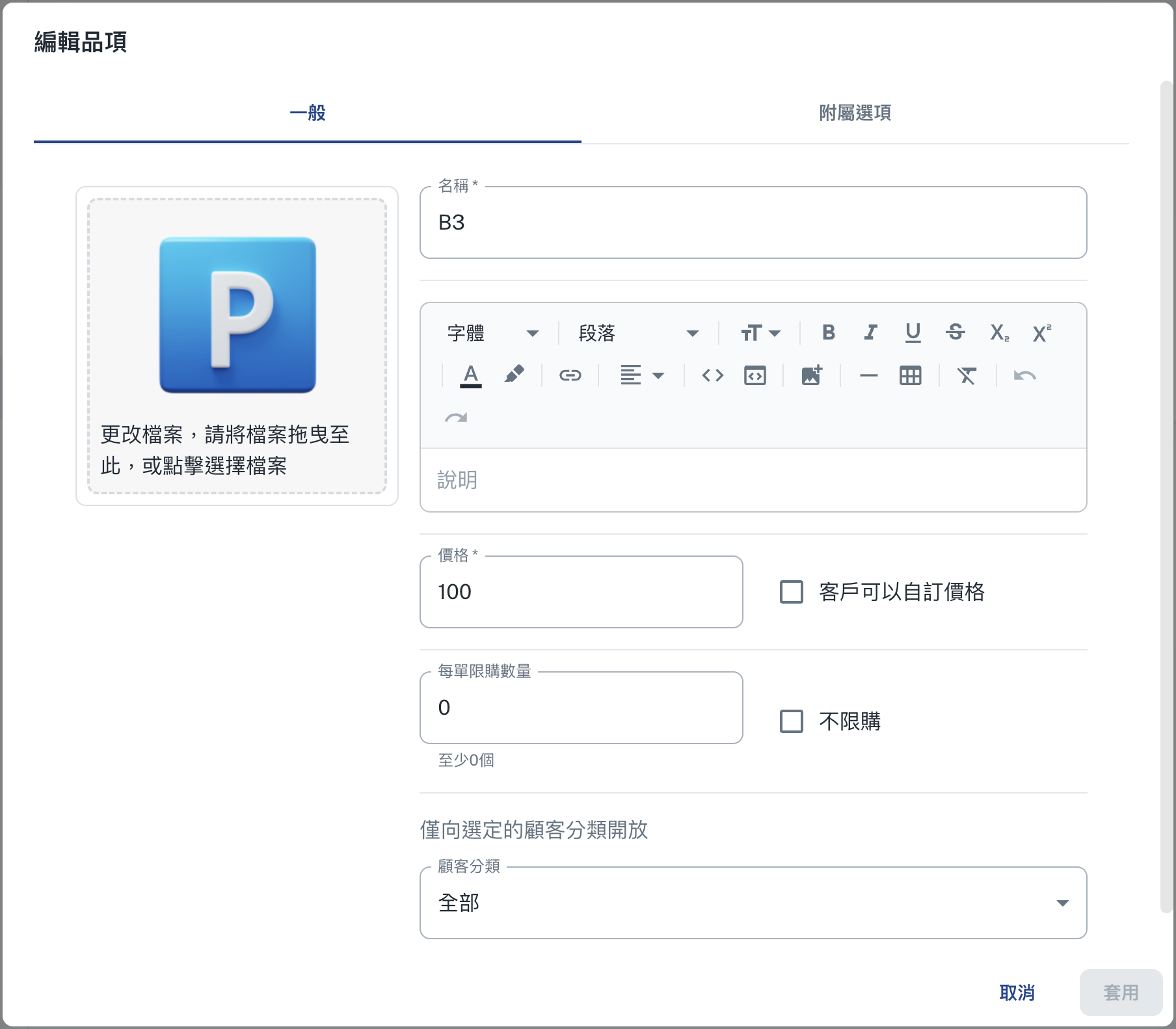
Here, you can manage the general settings for an item, such as its default attributes, categories, and visibility. This helps keep your item information consistent.
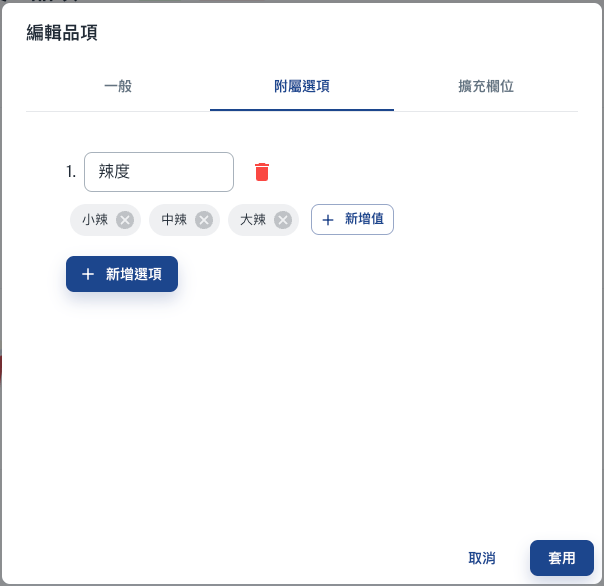
This is where you can configure options that are related to the item, like spice levels or other customizable features.
Use this to add custom fields to an item, allowing you to capture specific data that's important for your operations.

Delete (❌): Removing Items
Use this to remove items that are no longer in use or are obsolete.