Orders
https://rbs.ces.myfiinet.com/rbs-admin/resource-management
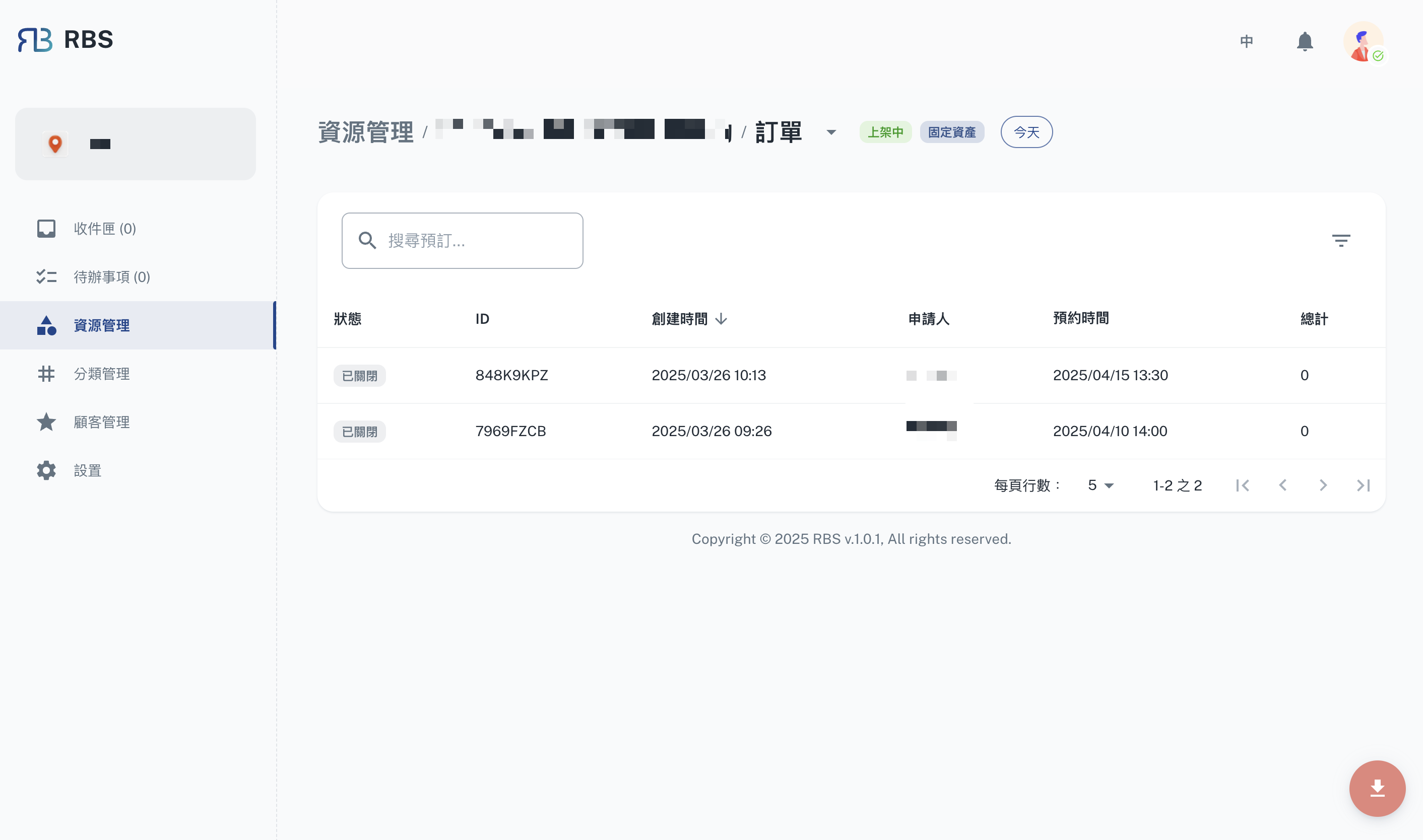
The Orders page allows administrators to view and manage all resource orders. Each order includes details such as its status, unique ID, creation time, applicant, scheduled time, and total amount.
Key Features
- Search and Filter: Quickly locate specific orders using the search bar or apply filters to narrow down results.
- Pagination: Navigate through orders efficiently with pagination controls.
- Order Details: View detailed information about each order, including its current status and associated metadata.
- Export: Export the order list as an Excel file for offline analysis and reporting.
How to Use
- Navigate to the Resource Management section in the sidebar.
- Select the Orders tab to view the list of all orders.
- Use the search bar or filters to find specific orders.
- Click on an order to view or edit its details.
This page is essential for tracking and managing resource allocations effectively.